
If an invoice needs to be cancelled, please follow the steps below to action this:
- Navigate to Transactions/Sales Invoices.
- Select the 3 dots/Edit next to the invoice that needs to be cancelled.
- Amend the Status of the invoice to 'Cancelled'.
- Save to update.
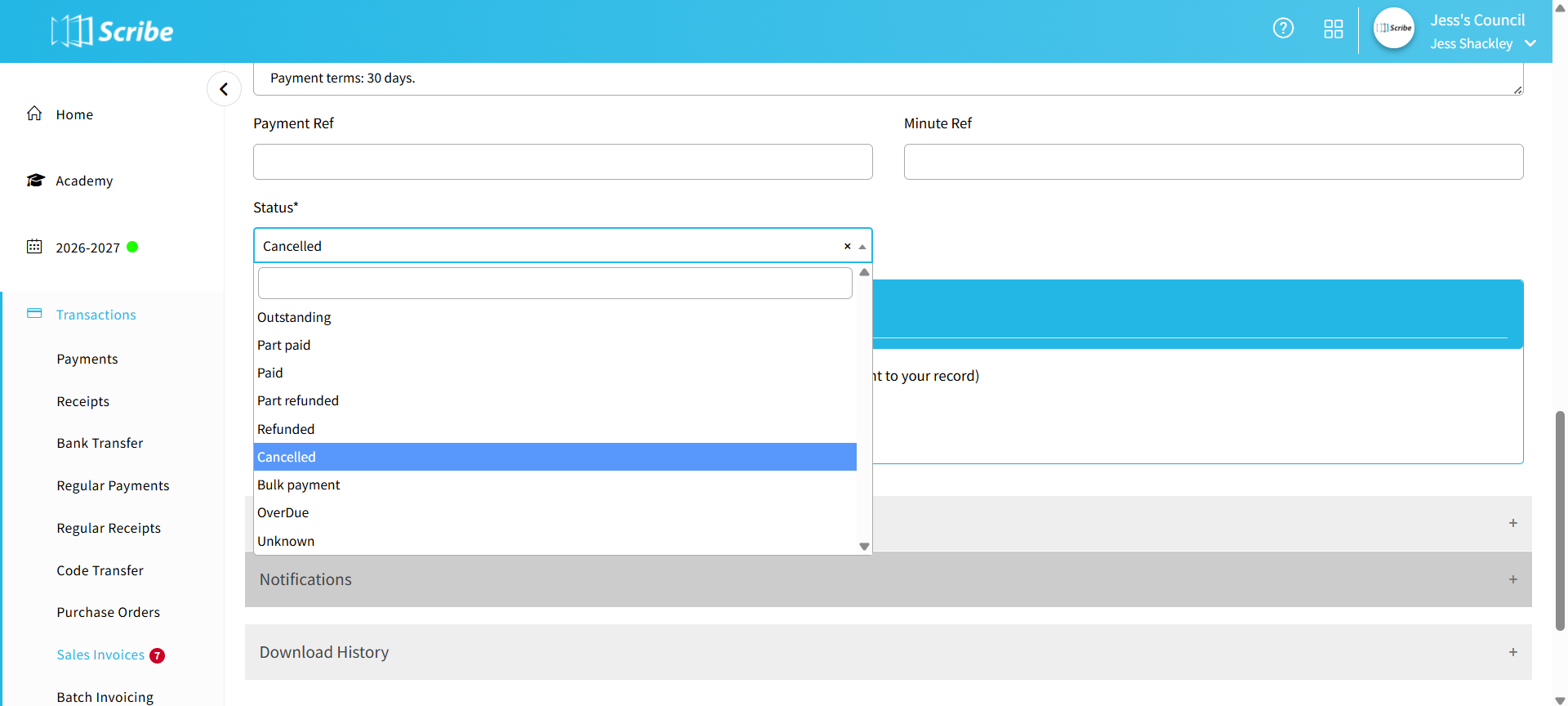
The invoice record will be retained with the original details but it will no longer show as outstanding.